
Turning a phone video of a task into a written procedure
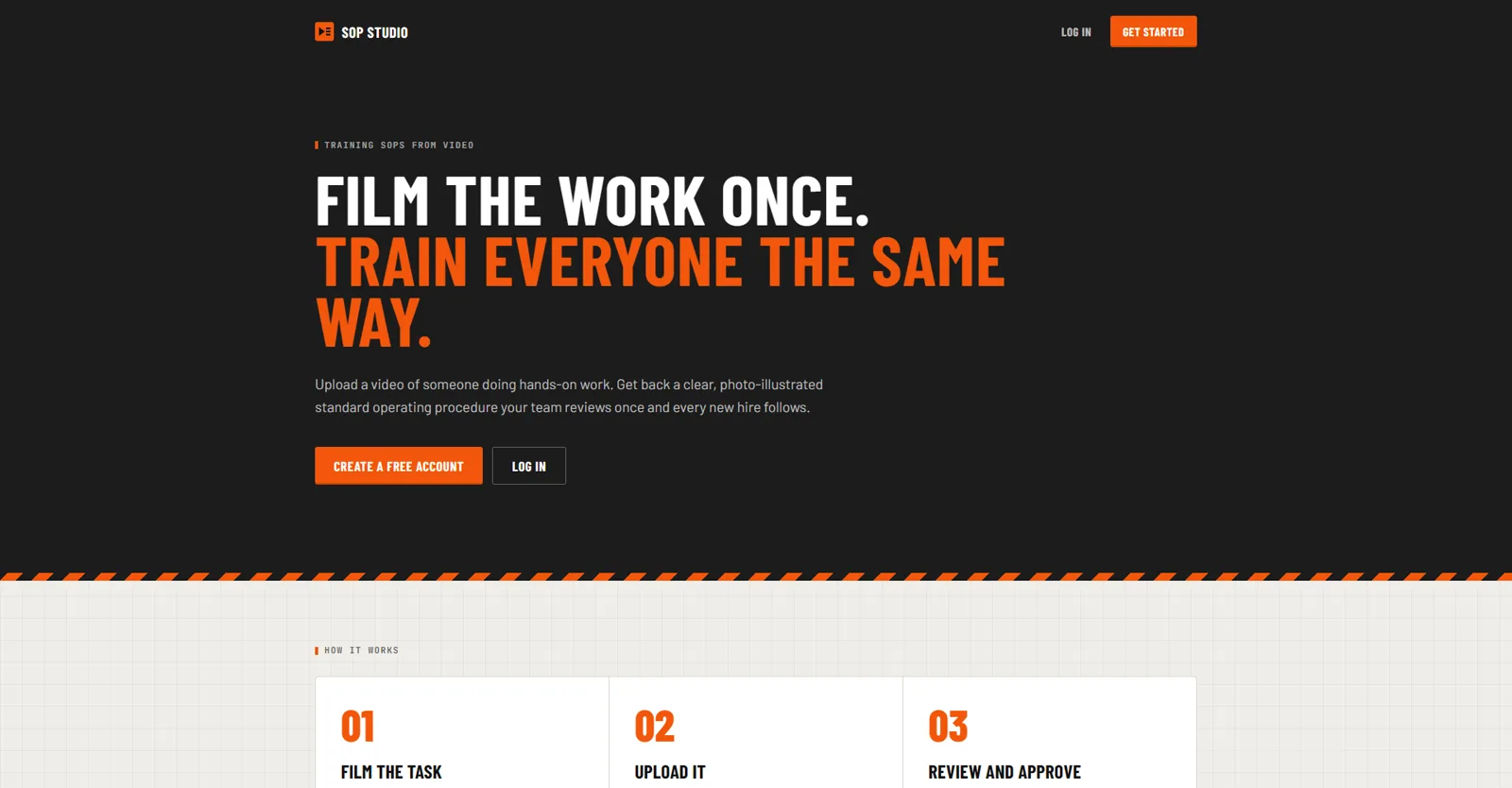
Our own product for teams whose procedures live in one person's head. Record the task on a phone while talking through it, and SOP Studio turns the video into a step-by-step procedure with photos from the footage. Nobody can approve it until every number and every gap has been checked by a person.
Where it stands
SOP Studio is live at sops.trichomedigital.com, open by invitation for now. It works for any procedure a team does with its hands: a kitchen prep line, a shop floor, a cultivation room, a field crew. This page describes what the app does, not results it has not earned yet.
The problem
Most hands-on businesses run on procedures that live in one person’s head. In a cultivation facility, where this started, the head grower knows exactly how a top dress is mixed or when a room gets flipped, but writing it down never happens, because writing is the thing that gets pushed to the bottom of the day. New staff learn by shadowing, and details drift.
Asking the expert to type SOPs was never going to work. Asking them to talk was.
How it started
The first version was a simple pipeline. Drop a video in a shared Google Drive folder, and a few minutes later a Google Doc draft appears and a Slack message asks someone to read it. It proved the idea. It also showed what a pipeline cannot do: give a team one place to review and approve, keep every version, or serve more than one company. So we built the app.
What we built
- A workspace for each company. Each business gets its own space and its own team. Invitations set who records, who reviews, and who approves.
- Upload from the floor. Record straight from the phone camera, upload a video, or pick one from Google Drive. The app transcribes the narration with timestamps and pulls still frames from the video, so each step can carry a photo of what the task looked like at that moment.
- Film it in pieces. A long task can be several clips filmed in a row. The app puts them in order by when they were recorded, and clips can be added to a procedure later. New footage only adds steps; it never quietly rewrites what is already there.
- A structured draft. Numbered steps, tips, materials, and safety notes, written from the transcript in the team’s own terms.
- Review without rewriting. Reviewers answer the checklist in plain words, and the AI proposes the edit as a before and after. Nothing changes until the reviewer accepts it.
- Review, approval, and history. Every edit is kept as a version. The approver and the date are recorded on the procedure.
- Works on a phone. Add it to the home screen and it opens like an app.
- Out of the app when it is done. An approved procedure prints cleanly for the binder on the wall, or exports to Word or a Google Doc. Exports are locked until the procedure is approved.
The rule that makes it trustworthy
An SOP with an invented amendment rate is worse than no SOP. In the first version, the AI was told to mark anything unclear as MISSING or UNCLEAR. In SOP Studio that rule is enforced by code, not by instructions.
Every number in a draft is checked against what was actually said in the video and the notes attached to the upload, including numbers spoken as words, like “twenty five” or “a quarter”. Any number that cannot be traced back to the source is flagged. A procedure cannot be approved while a single flagged number, missing detail, or open question is unresolved.
Why it matters for your business
Every business has procedures trapped in one person’s head. The pattern fits a kitchen, a shop floor, or a field crew: capture the expert doing the job, let software do the writing, and make the software prove every number before anyone relies on it. The last part is what we get hired for.
Next project Grow Tracker for No-Till Ninjas (in-house): A grow room you can run from your phone
Let’s build something that pays for itself
A free 15-minute call. We look at your site, your listing, and where your hours go, then tell you what we would do first. No deck, no pressure.
Or email info@trichomedigital.com